|
|
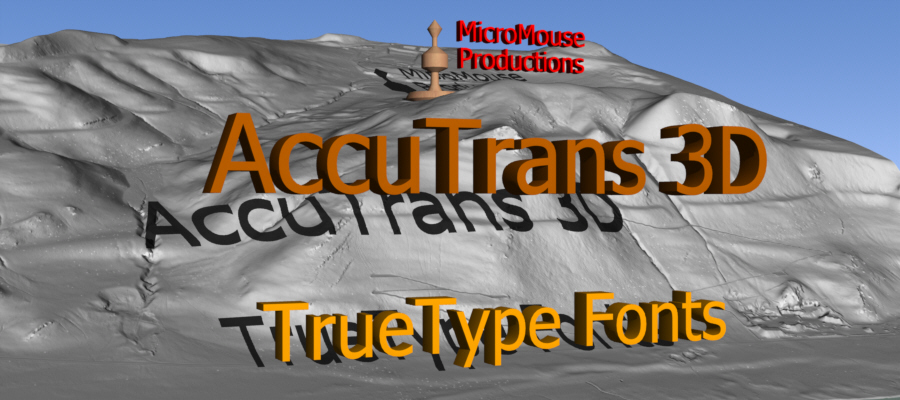
Select a TrueType font and convert text strings
to a 3D outline which can be extruded with thickness.
|
|
|
Select a TrueType font and convert text strings
to a 3D stencil which can be extruded with thickness.
|
|
|
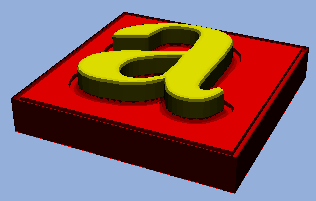
Select a TrueType font and convert text strings
to resemble 3D text embossed on a surface by combining the
first two examples in a single extrusion.
|
|
|
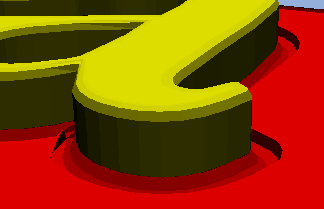
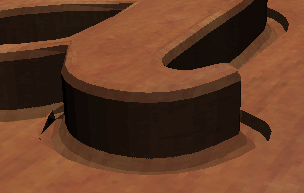
A close-up view of the embossed text.
|
|
|
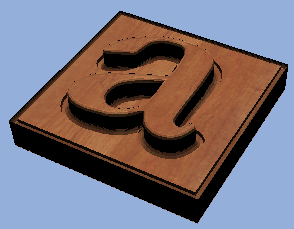
Create UV coordinates using planar mapping
and apply a wood texture.
|
|
|
A close-up view of the embossed and textured
text.
|