| Click on picture to view it full size. |
|
|
|
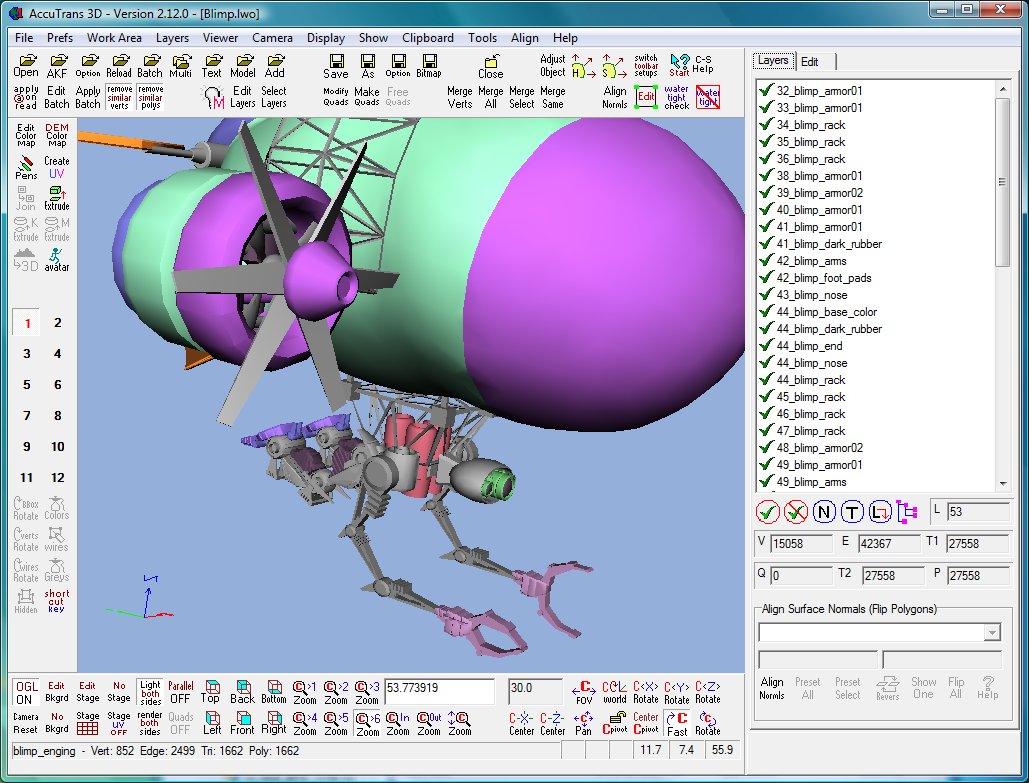
Main View Window
Tool palette and three toolbars. Buttons on toolbars are
user adjustable.
OpenGL viewer: wireframe, colors, textures.
Parallel and perspective views.
|
|
|
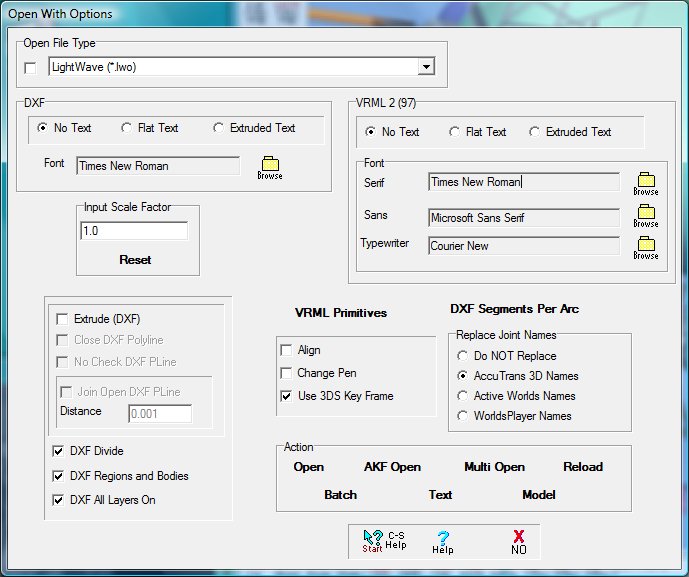
Open File With Options
Select type of 3D file to read.
Modify all input file parameters.
|
|
|
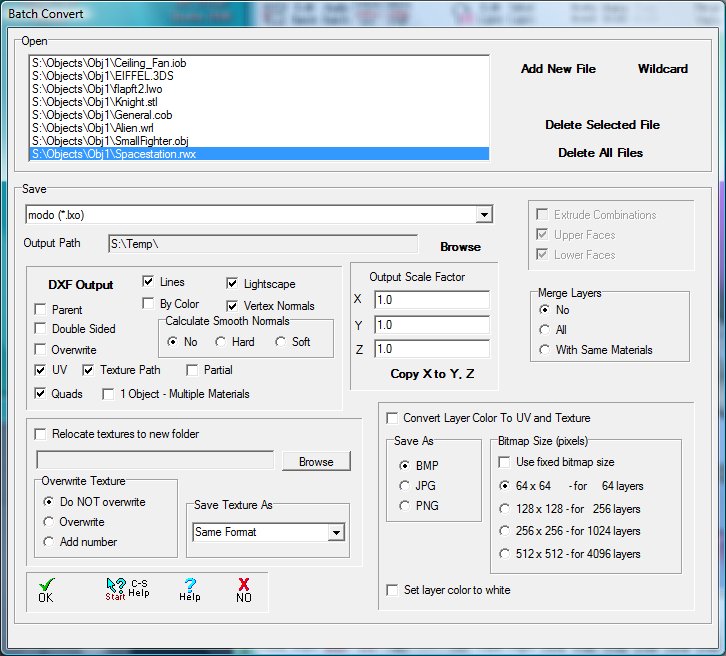
Batch Convert
Read a list of files and save to the same file format.
|
|
|
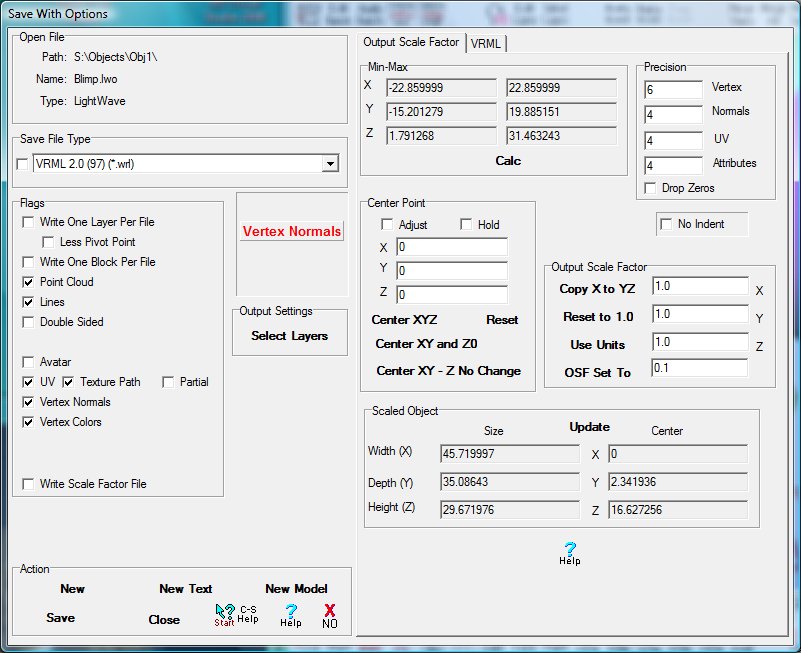
Save File With Options
Select file format type for saving.
Set output scale factor and all other parameters required
for saving the file.
|
|
|
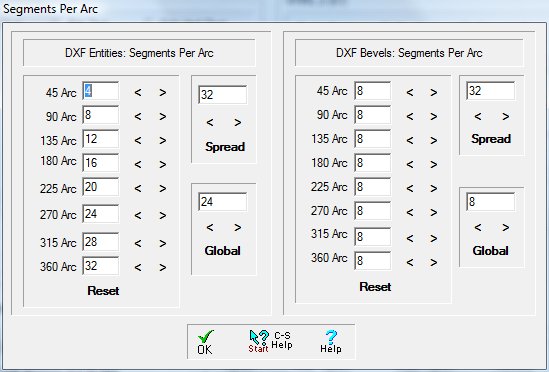
Segments Per Arc
Set the number of segments per arc size for DXF entities.
|
|
|
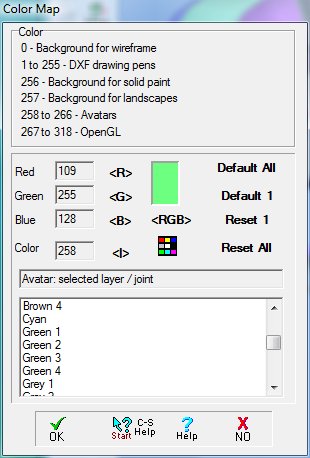
Color Map
Set RGB colors for background, DXF drawing pens, avatars
and OpenGL drawing pens.
|
|
|
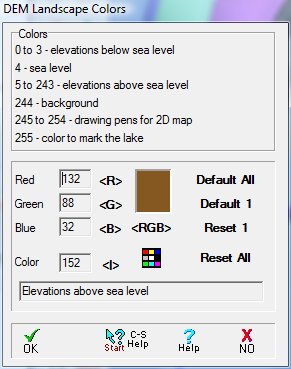
DEM Landscape Color Map
Set the RGB parameters for all colors used when displaying
and editing landscapes.
|
|
|
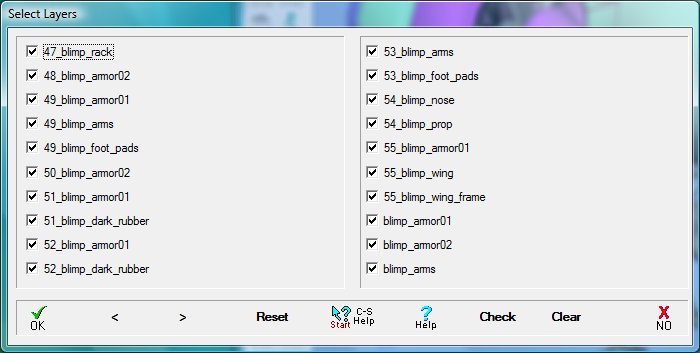
Select Layers
Select and deselect individual layers for export.
Blocks are selected similarly.
|
|
|
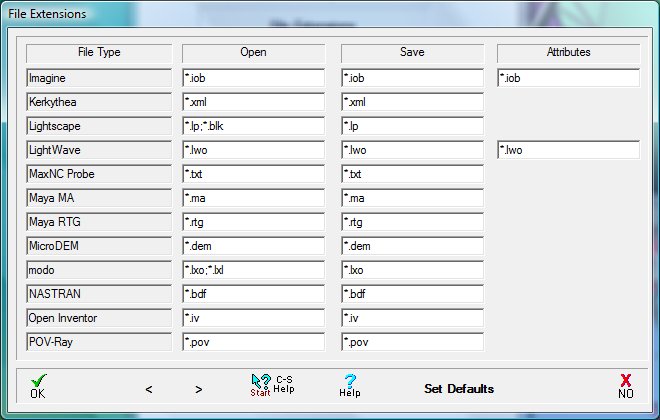
File Extensions
File extensions for reading and saving the various file
formats.
|
|
|
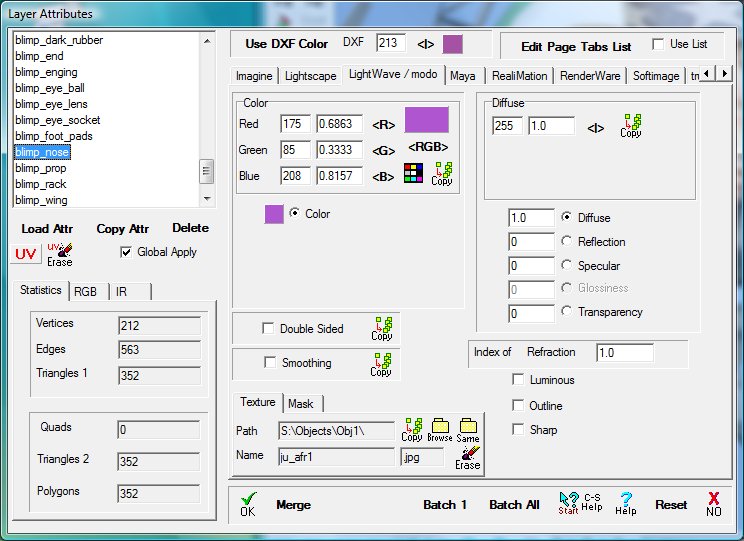
Layer Attributes
Set material attributes for each layer.
|
|
|
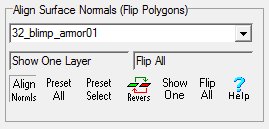
Align Surface Normals
Adjust surface normals to make all triangles visible in
one sided rendering.
|
|
|
Merge Duplicate Vertices
Option 1: merge vertices that have exactly the same X,
Y and Z coordinates.
Option 2: merge vertices that are close together using
a user specified distance for the X, Y and Z axes.
|
|
|
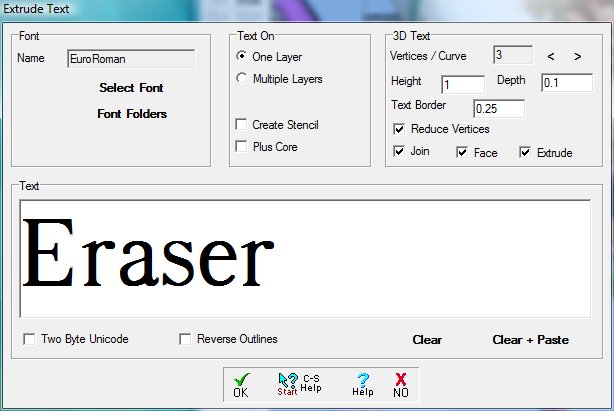
Extrude Text
Select TrueType font and text.
Set extrusions, facing, points, etc.
|
|
|
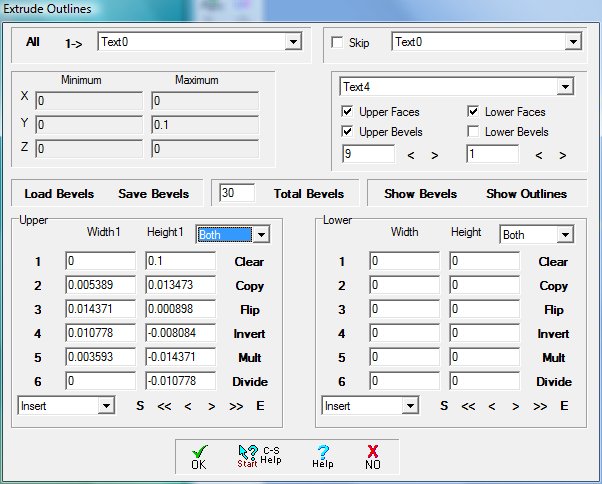
Extrude Dialog
Control bevels and extrusions using text entry.
Load, edit and save bevels.
|
|
|
Extrude Using the Mouse
Controls for editing bevels and outlines displayed in
the view window.
Use mouse to make changes in view window.
|
|
|
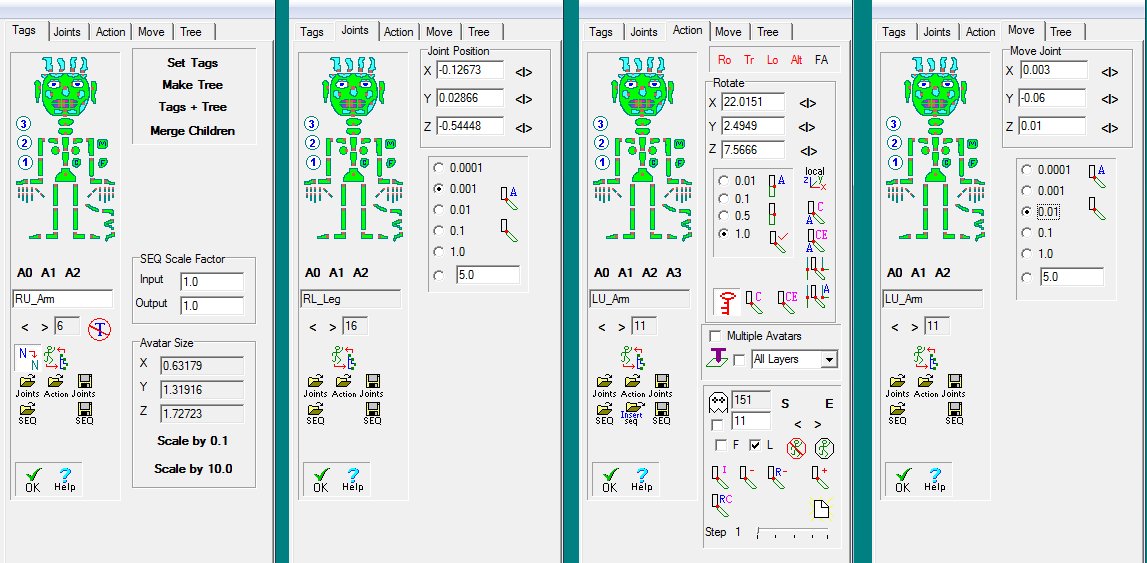
Avatar and Animation
Set tags and build hierarchy.
Set and test joints for avatars.
Create animations.
|