|
Click on picture to view it full size.
|
|
|
|
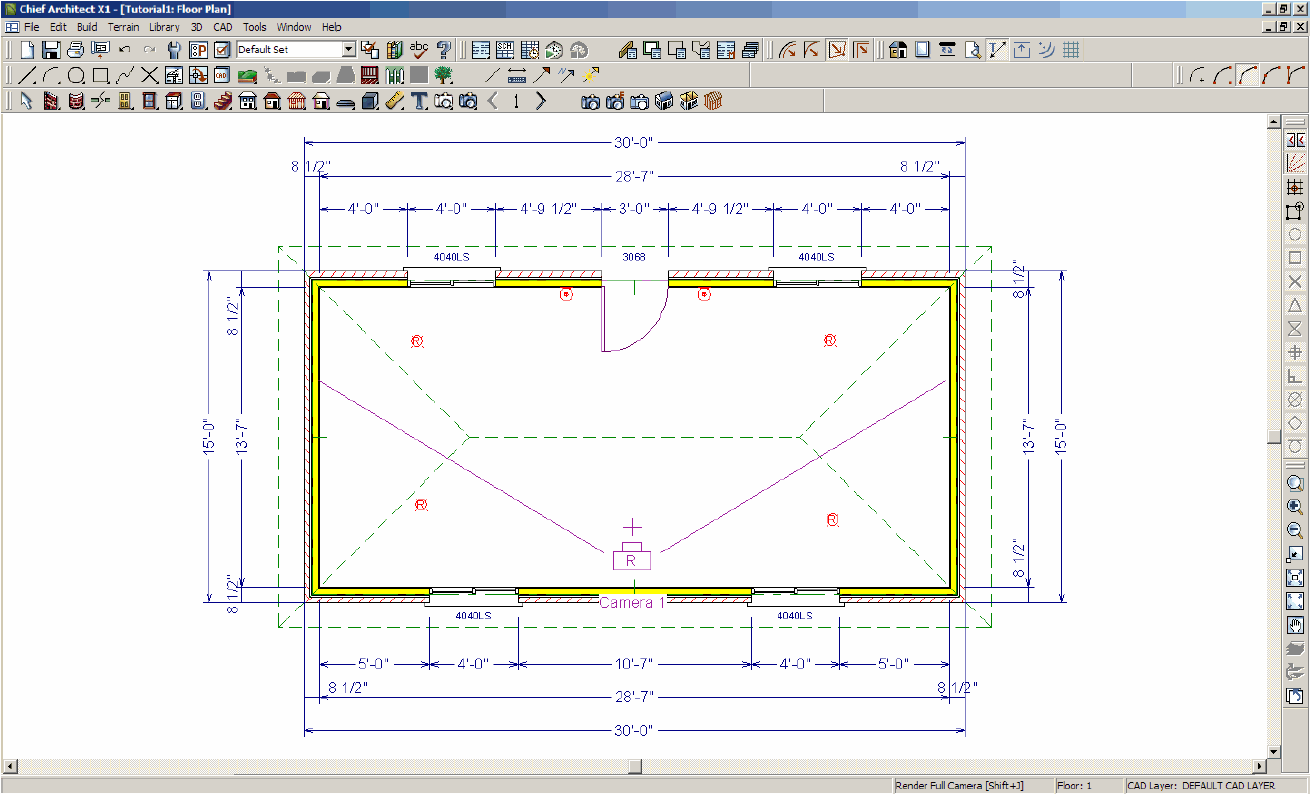
1. Build
model in Chief Architect
- Example is 30'x15' Imperial units (feet/inches)
- Example uses default hip roof, 4" brick exterior walls, 4'x4' slider
windows and 3068 exterior glass door and 4 "Recessed
Down Light 6" lights in ceiling and 2 "Blossom
Sconce" wall sconces on walls
|
|
|
|
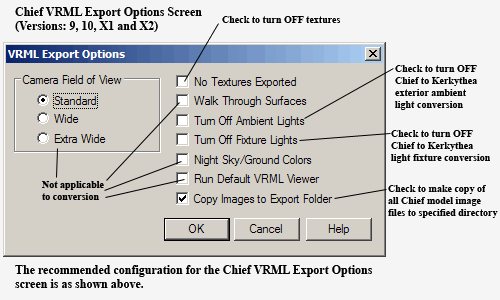
2. Export the
model from Chief Architect to a VRML file.
|
|
|
|
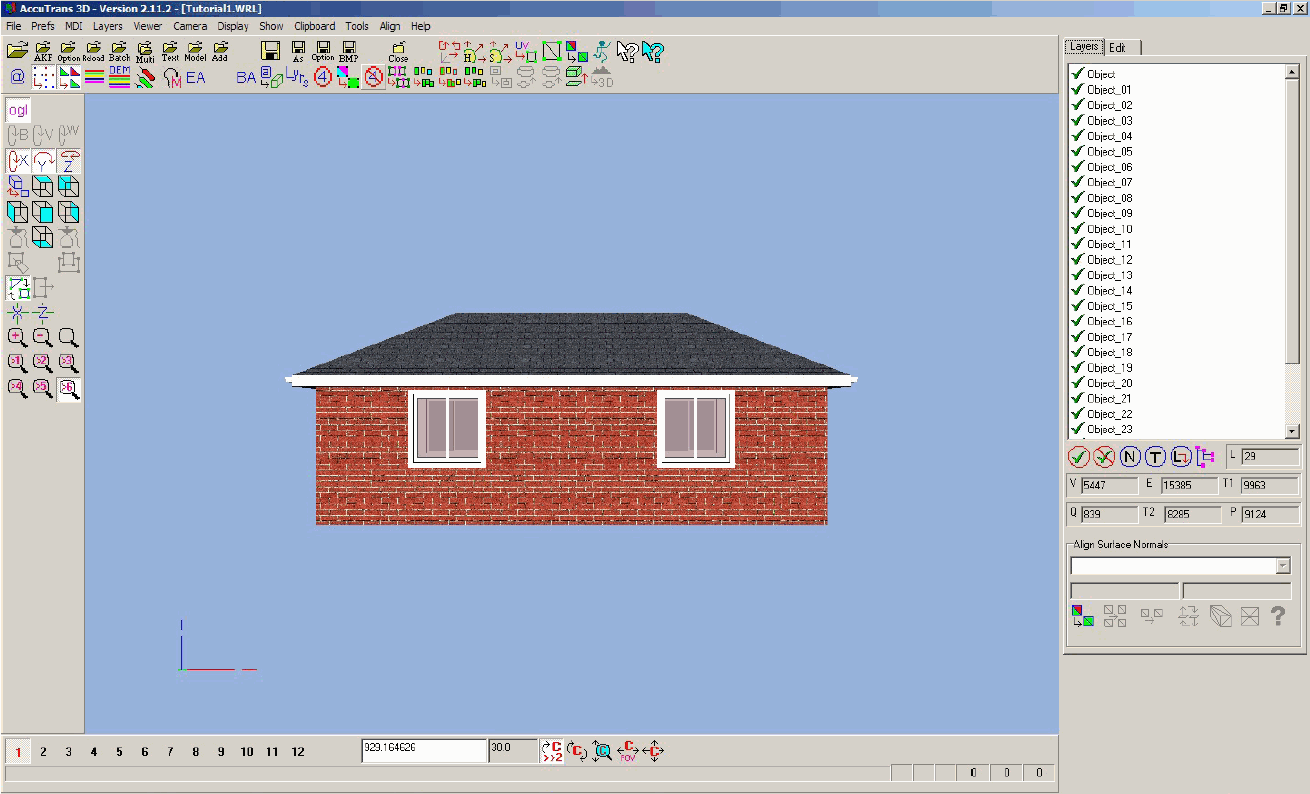
3. In AccuTrans
3D, set import parameters and read VRML file.
|
|
|
|
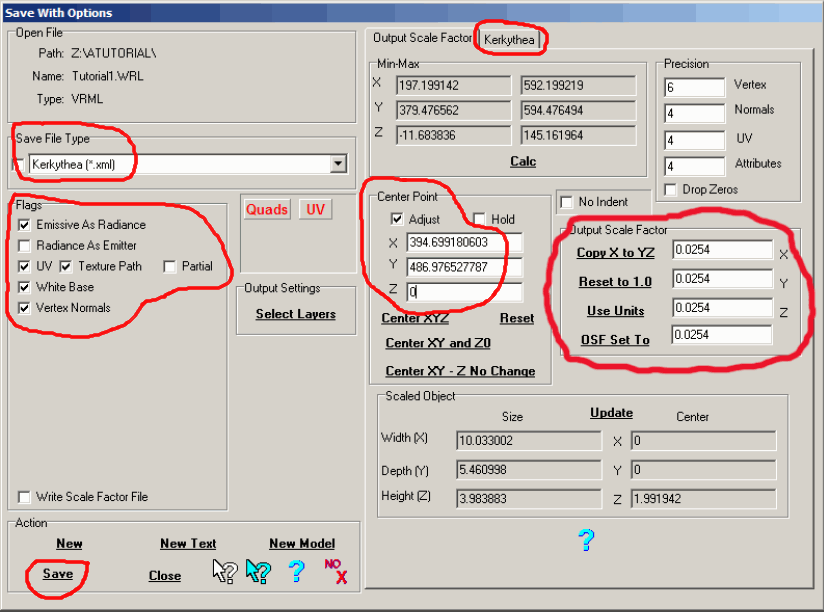
4. Using the 'Save
With Options' dialog box
- Position the model at or close to the
origin.
- Set global parameters for the different
light types.
- Save to a Kerkythea scene file.
|
|
|
|
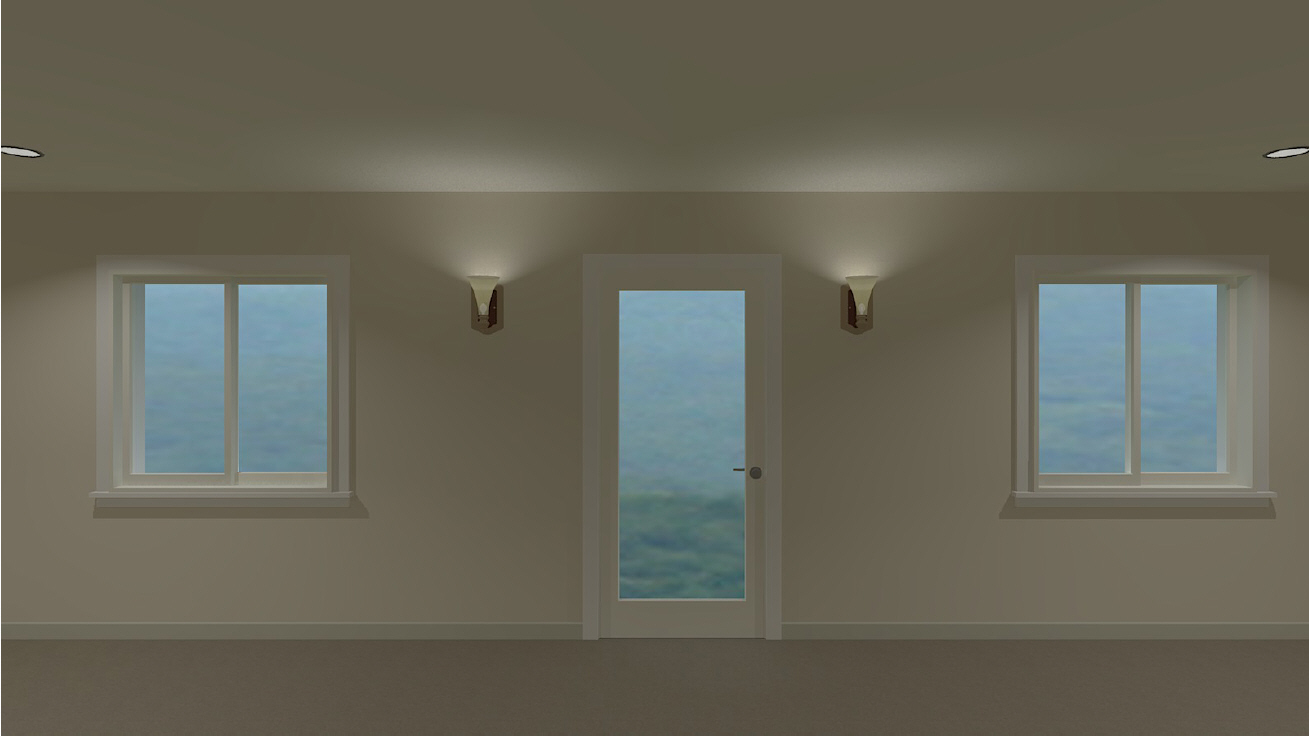
5. In Kerkythea,
read scene file and render.
|
|
For additional information, see the Tutorial
in the Help file.
|